If you searched "how to calculate CPM", you probably need one of three things right now:
- A simple CPM formula you can trust.
- A fast way to calculate CPM, cost, or impressions without spreadsheet errors.
- Practical answers for related questions like CPM vs CPC, YouTube CPM vs RPM, and what is a good CPM.
This guide covers all three, with real examples and a step-by-step walkthrough using our free CPM Calculator.
Quick answer: how to calculate CPM
Use this core formula:
CPM = (Total Cost / Total Impressions) x 1,000
If you need to reverse the math:
Cost = (CPM x Impressions) / 1,000
Impressions = (Cost x 1,000) / CPM
That is the full answer to how to calculate CPM in digital marketing. Everything else is about applying it correctly by channel, audience, and campaign goal.
CPM formula table (including reverse formulas)
| What you need to find | Formula |
|---|---|
| CPM | CPM = (Cost / Impressions) x 1,000 |
| Cost | Cost = (CPM x Impressions) / 1,000 |
| Impressions | Impressions = (Cost x 1,000) / CPM |
This is also the exact logic behind queries like how to calculate CPM with impressions and spend, how to calculate budget from CPM and impressions, and how to calculate impressions from CPM and budget.
Step-by-step tutorial: use the free CPM calculator
Search intent data for this topic is strongly tutorial-first, so this section shows the exact workflow inside our tool.
Step 1) Open the calculator and choose your solve mode
Go to the free CPM Calculator. You can switch between:
Calculate CPM(you know cost + impressions)Find cost(you know CPM + impressions)Find impressions(you know cost + CPM)
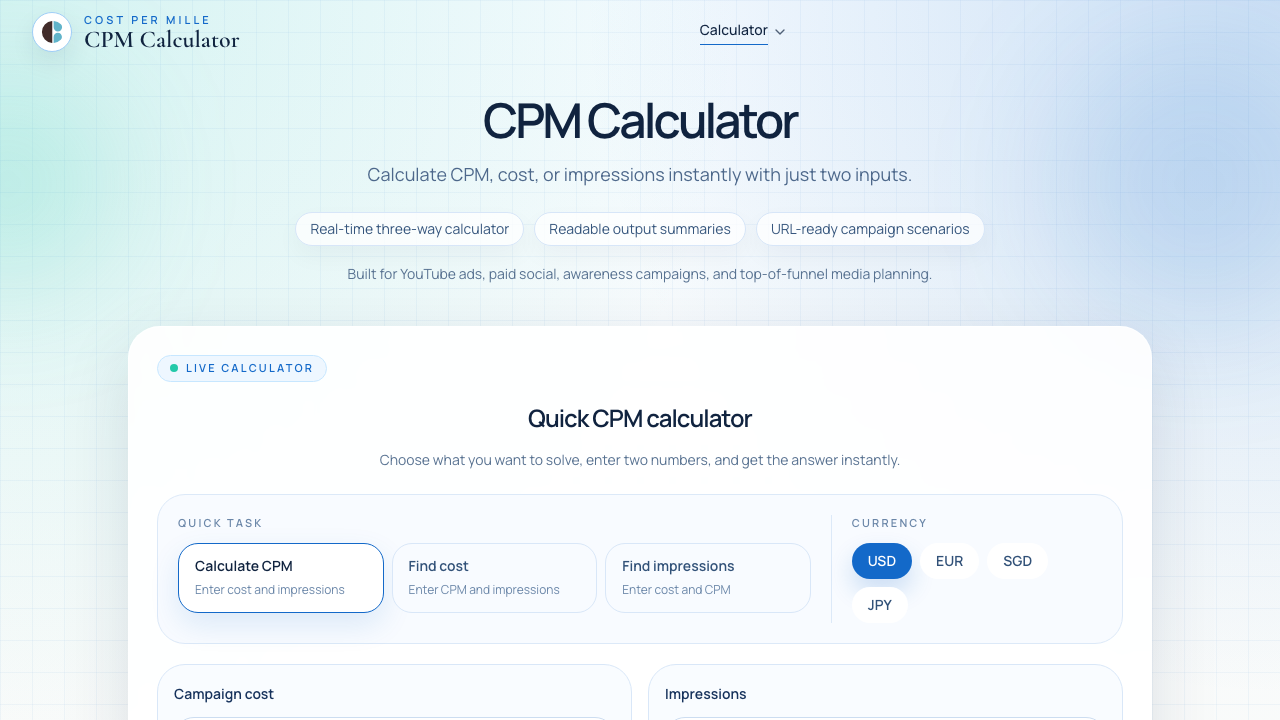
Step 2) Calculate CPM from cost and impressions
Example input:
- Cost =
3,200 - Impressions =
250,000
Result:
- CPM =
(3,200 / 250,000) x 1,000 = 12.8
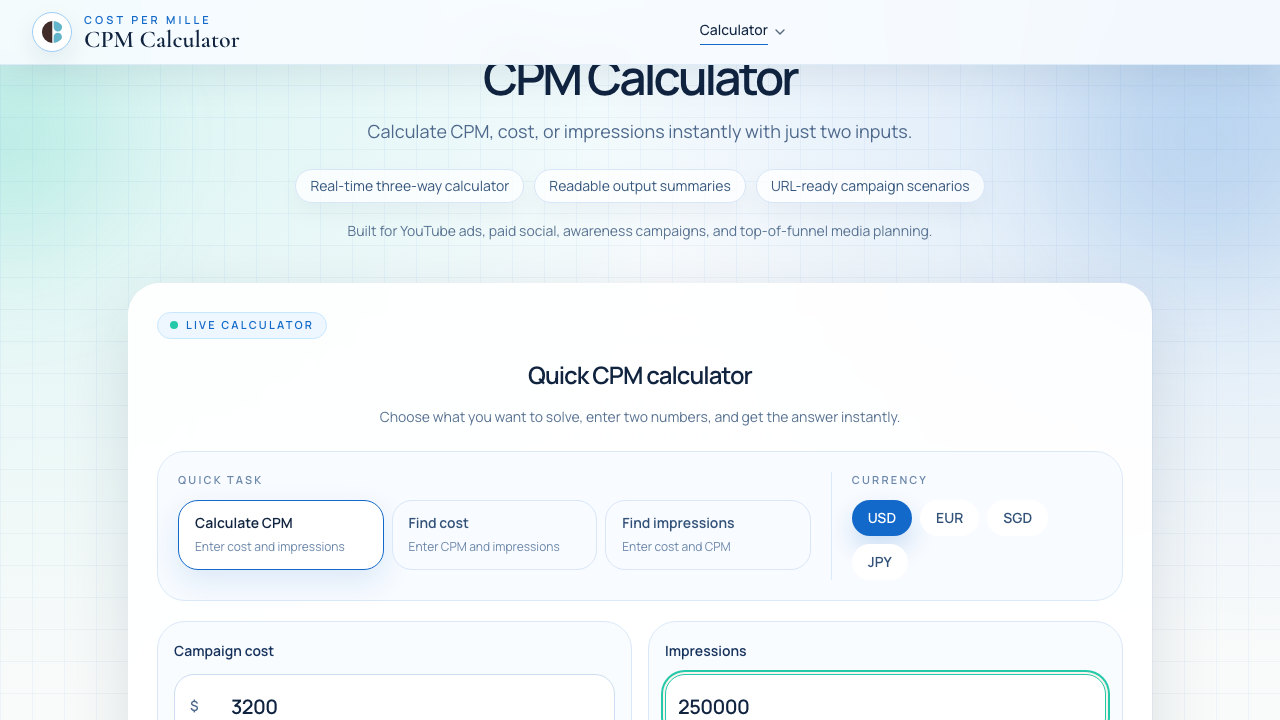
This directly answers how to calculate CPM in marketing and how to calculate CPM rate.
Step 3) Calculate campaign budget from CPM and impressions
Switch to Find cost.
Example input:
- Target CPM =
9 - Target impressions =
400,000
Result:
- Cost =
(9 x 400,000) / 1,000 = 3,600
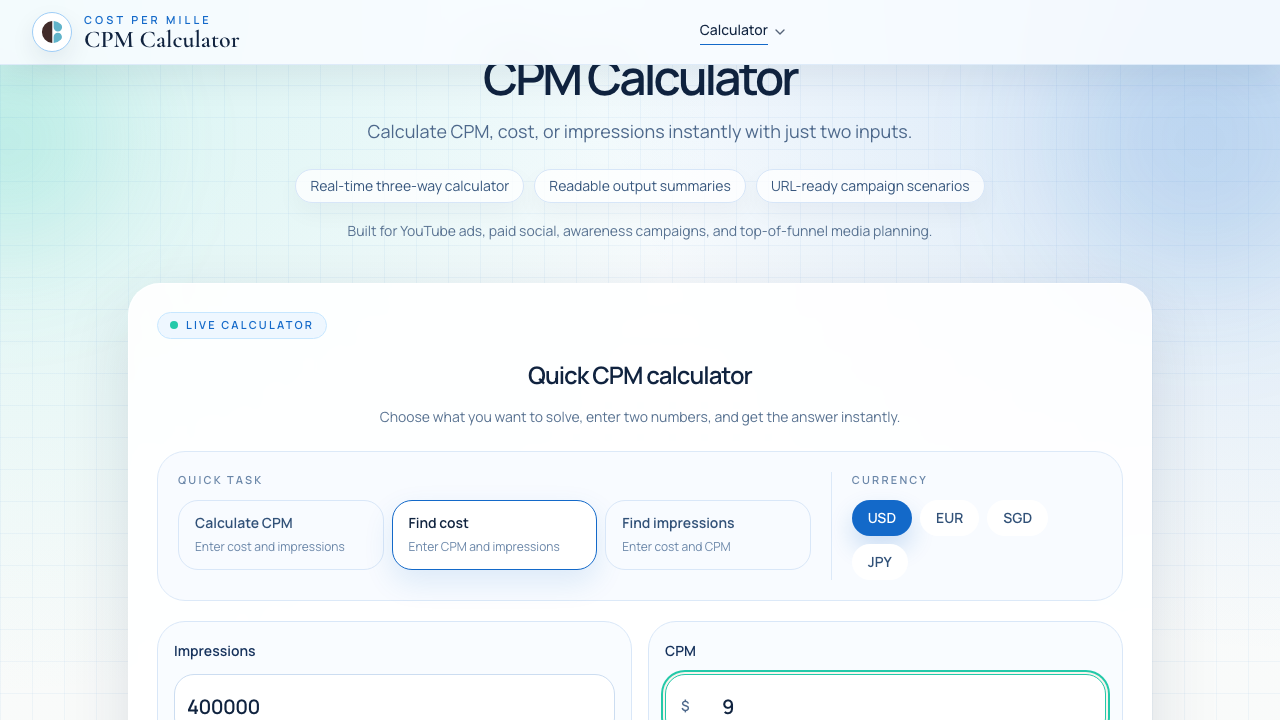
This is the exact workflow for how to calculate budget from CPM and impressions during media planning.
Step 4) Calculate impressions from budget and CPM
Switch to Find impressions.
Example input:
- Cost =
1,800 - CPM =
6.5
Result:
- Impressions =
(1,800 x 1,000) / 6.5 = 276,923(approx)
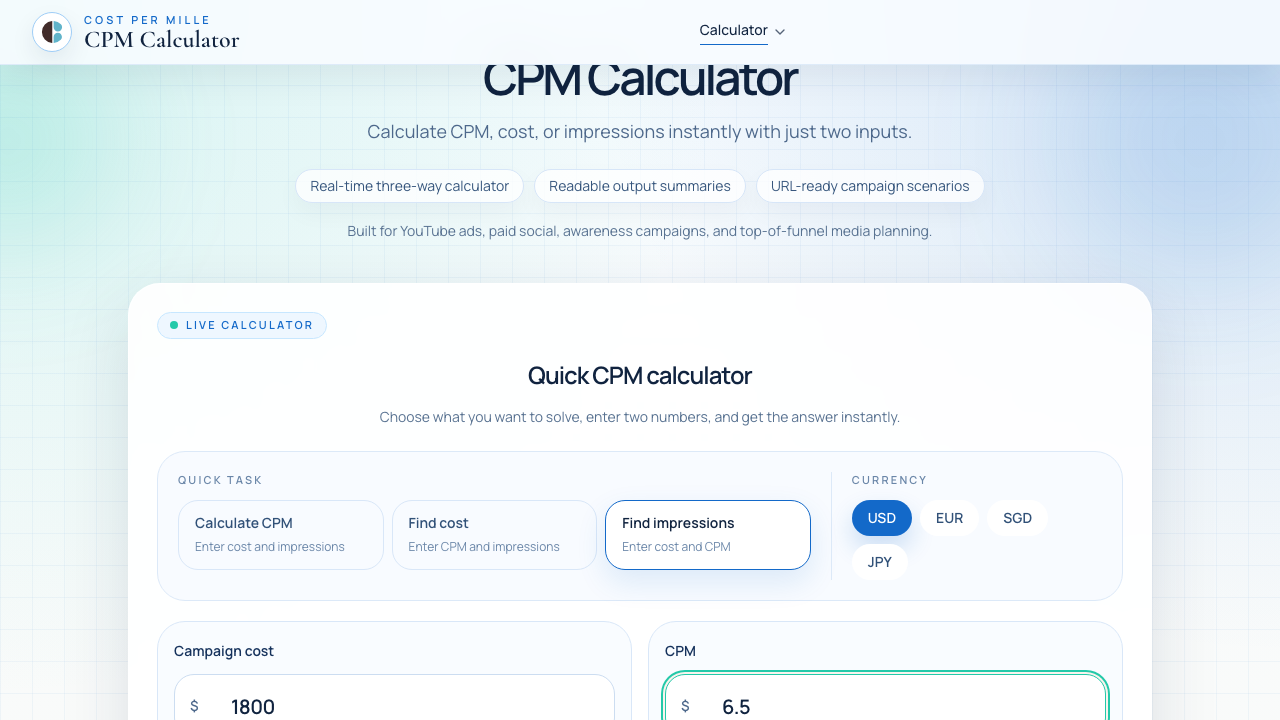
This matches the long-tail query how to calculate impressions from CPM and budget.
Step 5) Validate your number with benchmark context
After you calculate CPM, compare your result against campaign context before making decisions.
CPM vs CPC: what changes in strategy?
A frequent related search is CPM vs CPC. Here is the practical difference:
- CPM (cost per 1,000 impressions) is pricing for reach and visibility.
- CPC (cost per click) is pricing for traffic.
Use CPC Calculator when your KPI is traffic efficiency. Use CPM Calculator when your KPI is cost-efficient reach.
You can connect the metrics:
CPM = CPC x CTR x 1,000
Important: in that equation, CTR is a decimal (for example 0.02, not 2%).
If you track traffic quality, pair CPM with CTR Calculator. If you track acquisition efficiency, pair it with CPA Calculator.
YouTube CPM vs RPM: why the number looks different
Another high-intent query cluster is YouTube CPM, YouTube CPM vs RPM, and YouTube CPM by country/niche.
- YouTube CPM usually refers to advertiser-side cost per 1,000 monetized impressions.
- YouTube RPM usually reflects creator-side revenue per 1,000 views.
So when people ask how to calculate CPM YouTube, they often mix advertiser pricing and creator revenue reporting. Keep those definitions separate before comparing values.
What is a good CPM?
Search demand for what is a good CPM is large, but there is no single universal number. A good CPM depends on:
- Audience quality and targeting depth
- Placement type (feed, short video, display, connected TV)
- Geography and seasonality
- Creative relevance and frequency
- Funnel stage and conversion intent
A "high" CPM can still be profitable if downstream metrics are strong. Check CPM together with CTR, CPC, and CPA, not in isolation.
Common CPM mistakes (and how to avoid them)
- Mixing
impressionsandviewsas if they are identical. - Comparing CPM across channels without adjusting for objective.
- Using CTR as a percentage inside formulas that expect decimals.
- Looking at CPM alone without click and conversion quality.
- Ignoring frequency, which can inflate cost and reduce marginal value.
FAQ: long-tail CPM questions
How to calculate CPM in Excel?
If A2 = Cost and B2 = Impressions, use:
=(A2/B2)*1000
How to calculate CPM with impressions and spend?
Use:
CPM = (Spend / Impressions) x 1,000
How to calculate impressions from CPM and budget?
Use:
Impressions = (Budget x 1,000) / CPM
How to calculate budget from CPM and impressions?
Use:
Budget = (CPM x Impressions) / 1,000
What is effective CPM (eCPM)?
eCPM formula is typically:
eCPM = (Revenue / Impressions) x 1,000
It helps normalize revenue performance across traffic sources.
Final takeaway
If your goal is reach planning, start with a reliable CPM formula and calculate quickly with a tool instead of manual math.
- Use CPM Calculator to compute CPM, budget, or impressions instantly.
- Use CPC Calculator, CTR Calculator, and CPA Calculator to complete your full-funnel view.
- Browse more practical walkthroughs in our blog.